AI video clipping
Long video.
Great shorts.
Long video to shorts, without starting over.
Find the moments worth sharing. Turn one long video into a week of vertical clips with readable captions and your branding — each one a standalone post for YouTube Shorts, Instagram Reels and TikTok.
Start with your free trial.
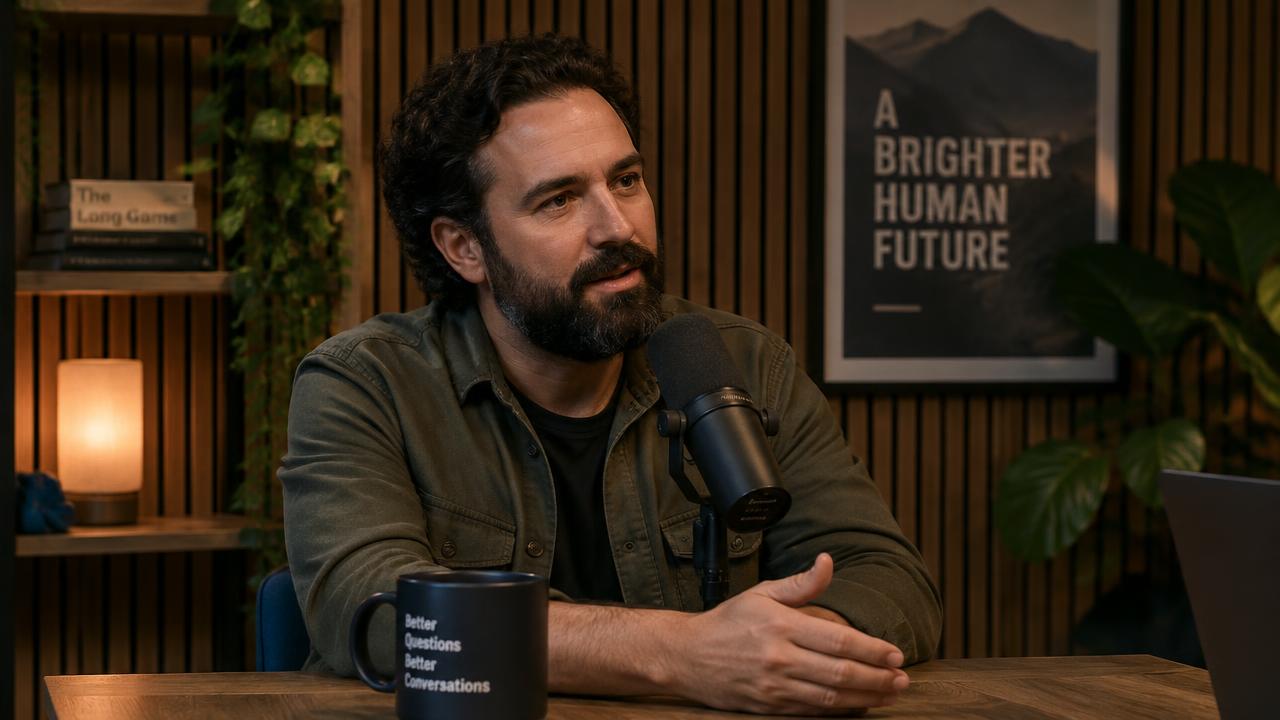 Your original video
Find the moments. Keep the meaning.
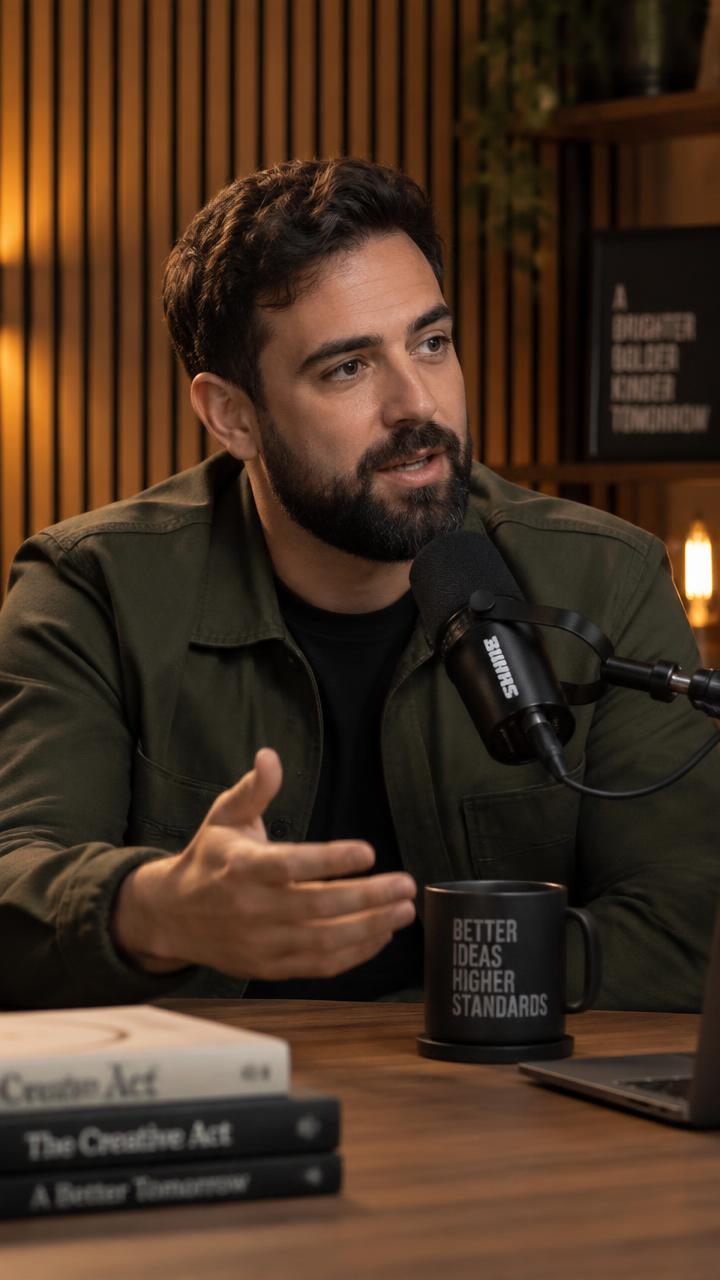
Start with one good idea.
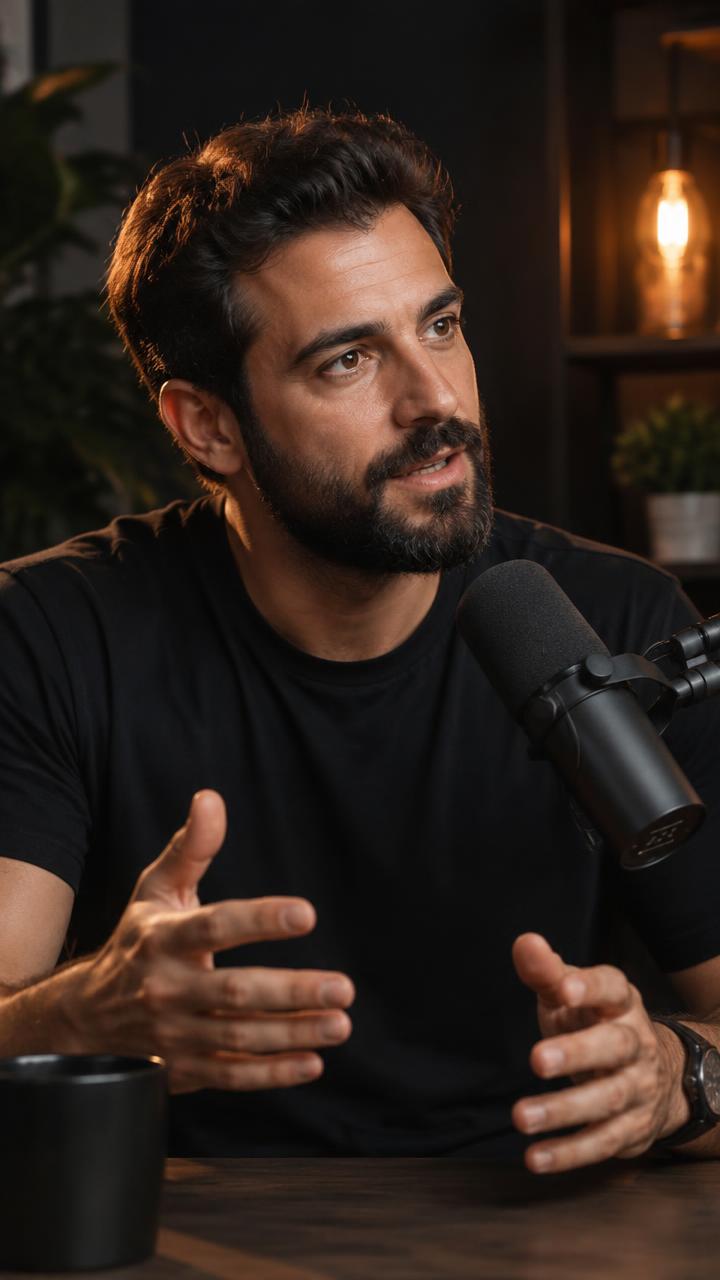
Your best ideas deserve an audience.
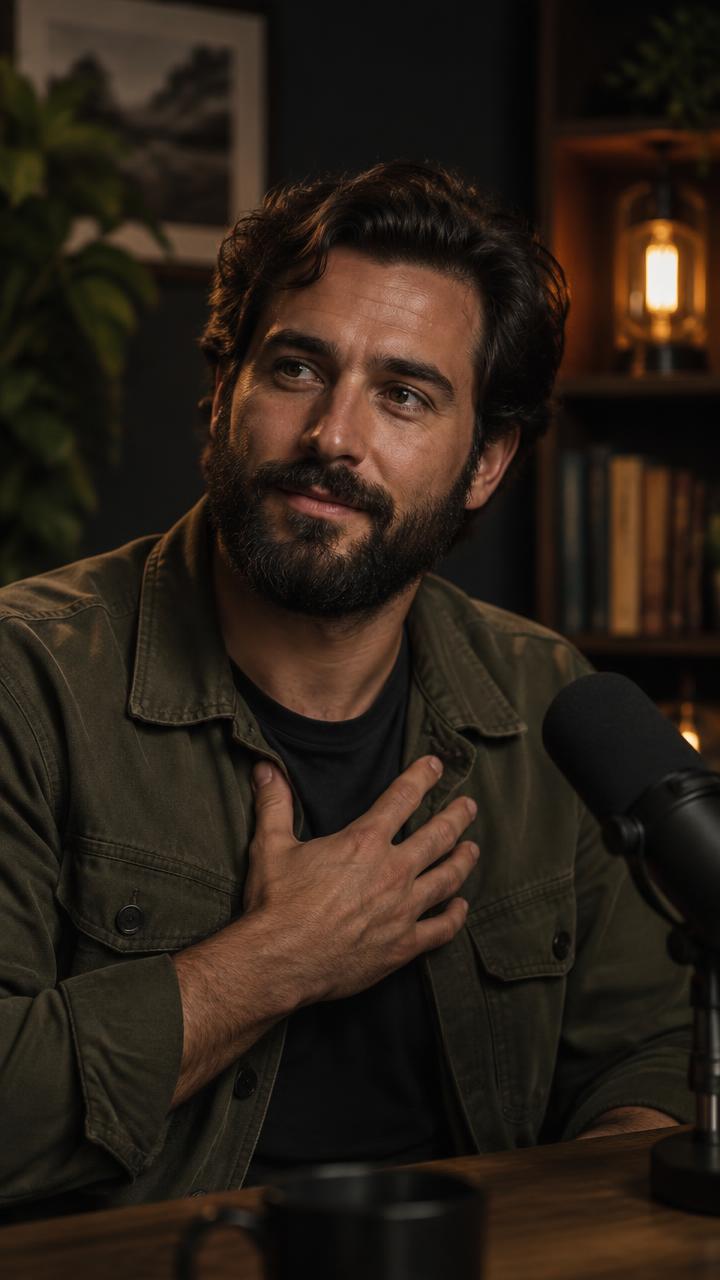
Make it worth sharing.
Video to shorts converter
From full episode to standalone moment.
A video to shorts converter that is not a lazy crop. Most tools cut a long video into fixed-length chunks and stretch them to vertical. FKNStudio reads the transcript, picks the moments that actually work as standalone ideas, and reframes each one to 9:16 with speaker-aware, aspect-preserving cropping — no stretched video, no chopped frames.
How to create YouTube Shorts from an existing video
Bring your video
Start from a video you own or have permission to repurpose — a podcast, interview, webinar, tutorial or stream. The link is the only input; there are no uploads.
1:24:17Choose the strongest moments
Before anything renders, you see the suggested moments and pick the ones that work as standalone posts. Nothing is created until you approve it.
Your best ideas deserve an audience.
02:14 – 02:42
Start with one good idea.
08:11 – 08:45
Make it worth sharing.
15:03 – 15:37
The full transcript is generated and analyzed so clip selection works from what was actually said, not from timestamps picked at random.
Make it yours
Trim, adjust captions and branding in the Polish editor, then publish the clip or schedule it to your connected accounts.
Your best ideas deserve an audience.
- Auto captions
- Your branding
- 9:16 format
- Ready to share
Illustrative editor
Make the cut.
By choosing the words.
Every clip is edited through its transcript. Click a sentence to jump the video straight there, or select a range of sentences to cut a clip from exactly that part of the source. Edits save as a draft alongside the original, so you can always hit “Reset to our version” and start again from FKNStudio’s cut.
Trim from the transcript
Jump to any sentence and set your in and out points — handles snap to spoken lines.
Keep the speaker in frame
Speaker-aware, aspect-preserving cropping keeps the focus on the right person.
Style captions and branding
Match your look with your logo, handle and call to action on every clip.
Your best ideas deserve an audience.
- 02:11A lot of people create content...
- 02:14Your best ideas deserve an audience.
- 02:17Start with one useful thing.
- 02:20Give people a reason to remember it.
- 02:24Consistency compounds over time.
- 02:28It is not about being perfect.
- 02:31It is about being helpful.
Selected range: 02:14 – 02:42 · 28 sec
How to make shorts from a YouTube video
Your footage. A better fit.
How to make shorts from a YouTube video: every clip is rendered vertical at 9:16, ready to post as a YouTube Short, an Instagram Reel or a TikTok — captions, branding and hook included, with ready-to-post caption copy so the description takes seconds too.
- 9:16 speaker-aware reframing — the crop follows the speaker and preserves the picture, never stretched
- Captions showing one readable phrase at a time, synced to the spoken words
- An optional hook overlay to stop the scroll in the first seconds
- Your logo, handle and call to action on every clip
- Transcript-based trimming — handles snap to spoken lines, so cuts land between sentences
- Ready-to-post caption copy with each clip
- Optional branded Bookends — intro and outro cards rendered as their own scenes
16:9One idea. More possibilities.
Go beyond the clip.
The same source video also produces faceless videos and branded slideshows — three formats from one link. See the faceless video generator for how those formats work, or the FAQ for the full picture.

You already recorded it.
Let’s get more out of it.
Start with your free trial.