
TikTok
● Connected · @yourbrand
- Clips
- Faceless videos
- Photo carousels + music
Videos post as-is. Slideshows post as native photo carousels with music.
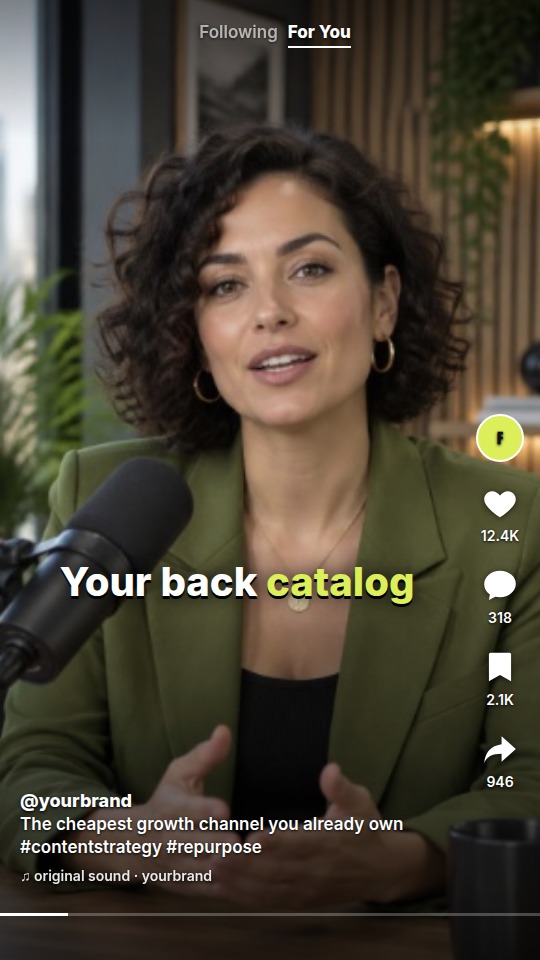
@yourbrand · Your back catalog is your cheapest growth channel #contentstrategy
Tue 9:00 AMCONTENT REPURPOSING FOR BRANDS, CREATORS & AGENCIES
Drop in a video. FKNStudio finds the strongest moments, turns them into polished clips, remixes ideas into faceless videos, builds branded slideshows, and publishes to your social channels.
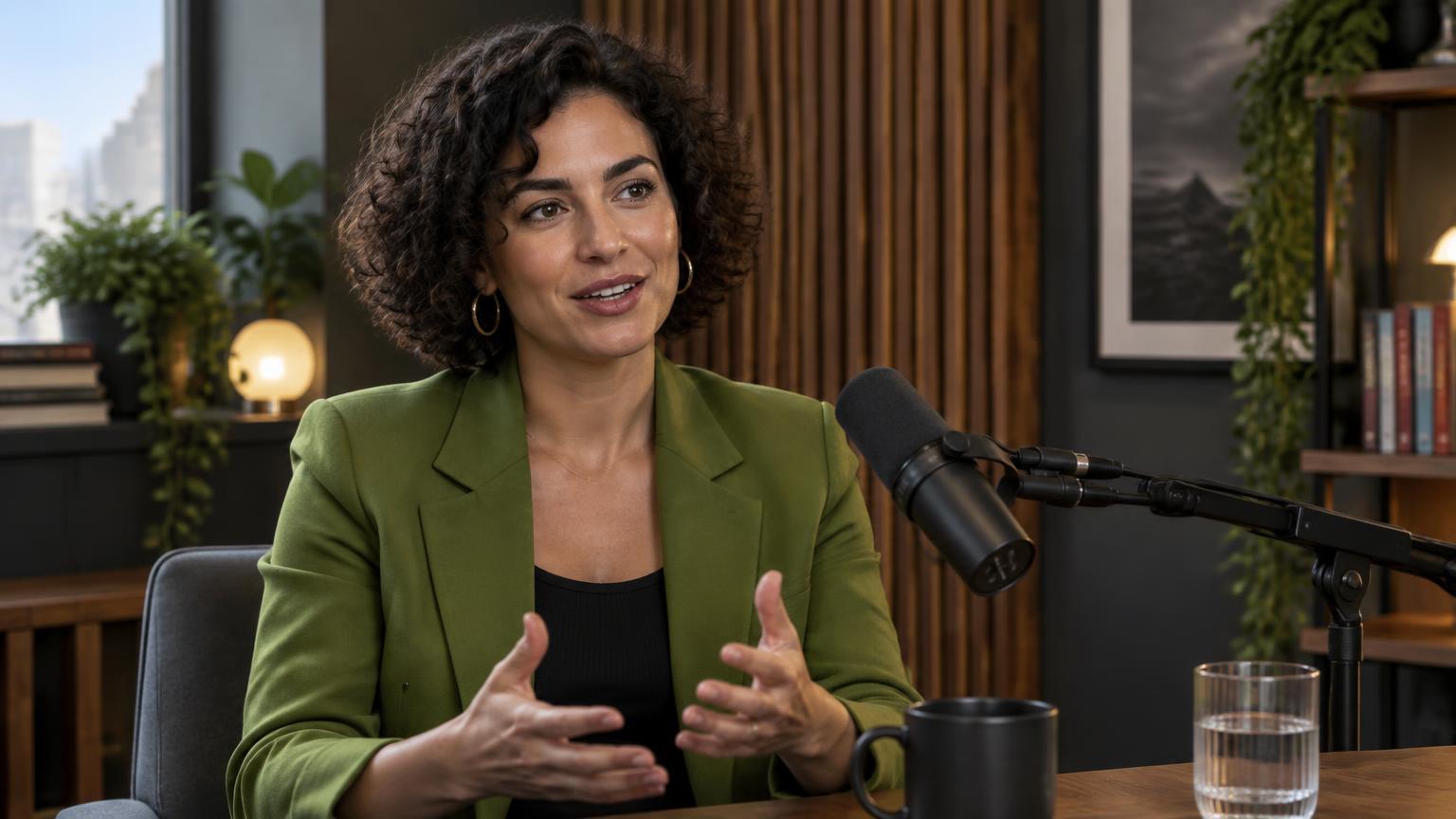
Paste a YouTube link, or upload your own file — MP4, MOV or WebM up to 800 MB.
No filming required. No editing degree required.
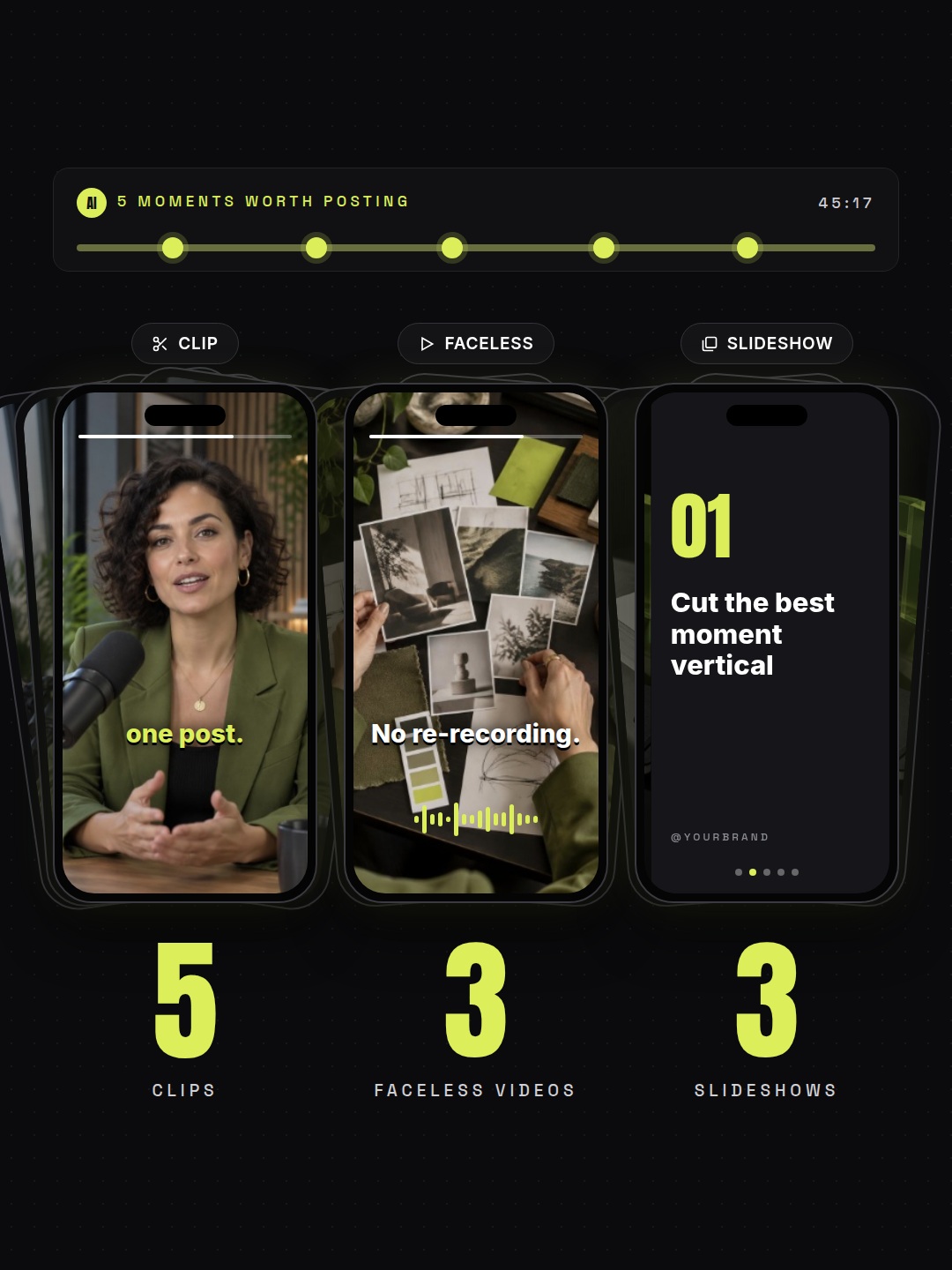
Your long-form content already contains more posts than you think. FKNStudio turns it into:
The best moments from your actual video, reframed vertically, captioned and ready to polish.
Fresh short-form videos built from the ideas in your source content using AI voice, stock visuals, captions and branding.

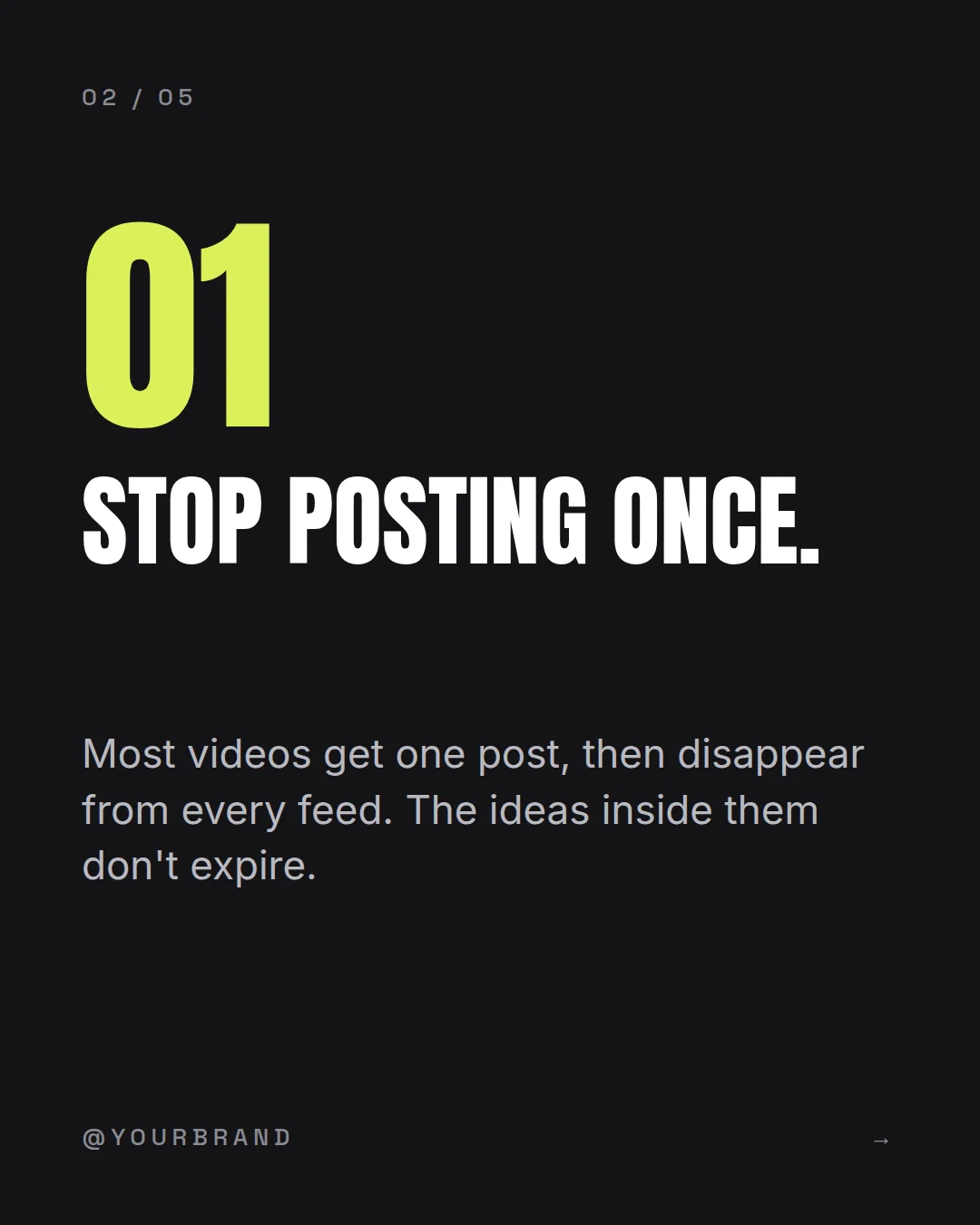

yourbrand Your back catalog is your cheapest growth channel. Save this for your next content day. #contentstrategy #repurpose
Scroll-stopping visual posts built from your source material with hooks, imagery, branded slides and captions.
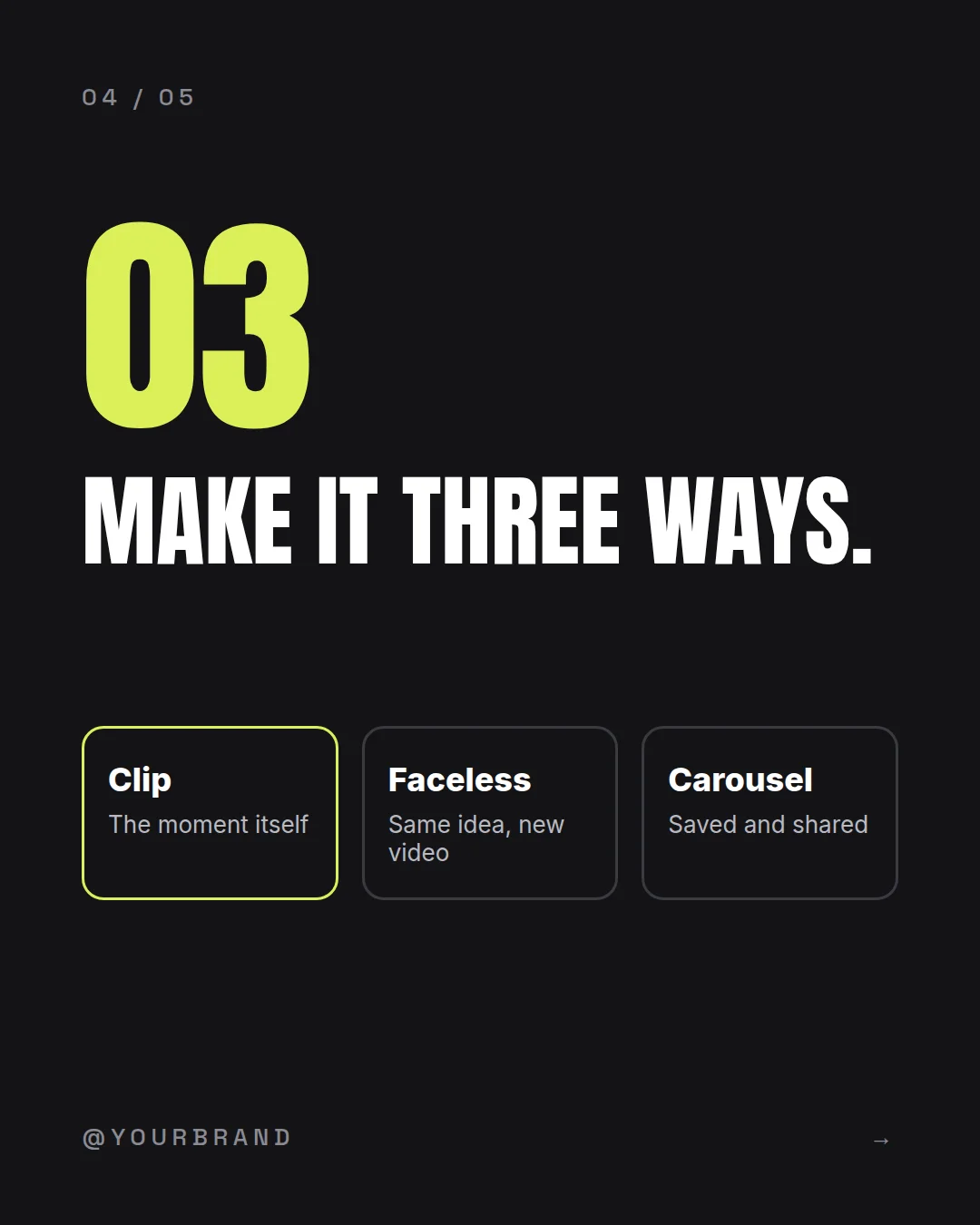
Create all three from the same source — or make only what you need.
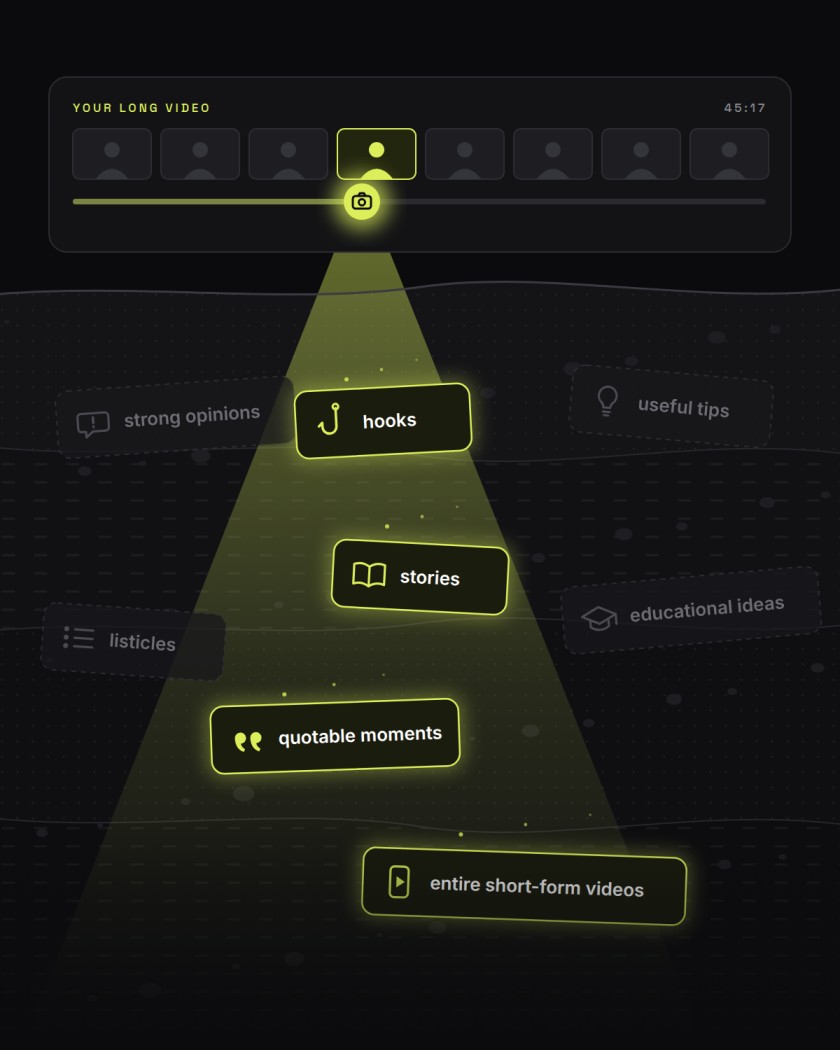
A 45-minute video shouldn't become one post. Inside it are:
FKNStudio transcribes the source, understands what it's about, and finds the moments worth turning into content. Then it actually makes them.
Most clipping tools ask
“Where should we cut?”
FKNStudio asks
“What in this video is actually worth publishing?”
It reads the transcript and identifies moments that can stand on their own. Strong hook. Clear idea. Useful takeaway. Enough context to make sense without watching the original.
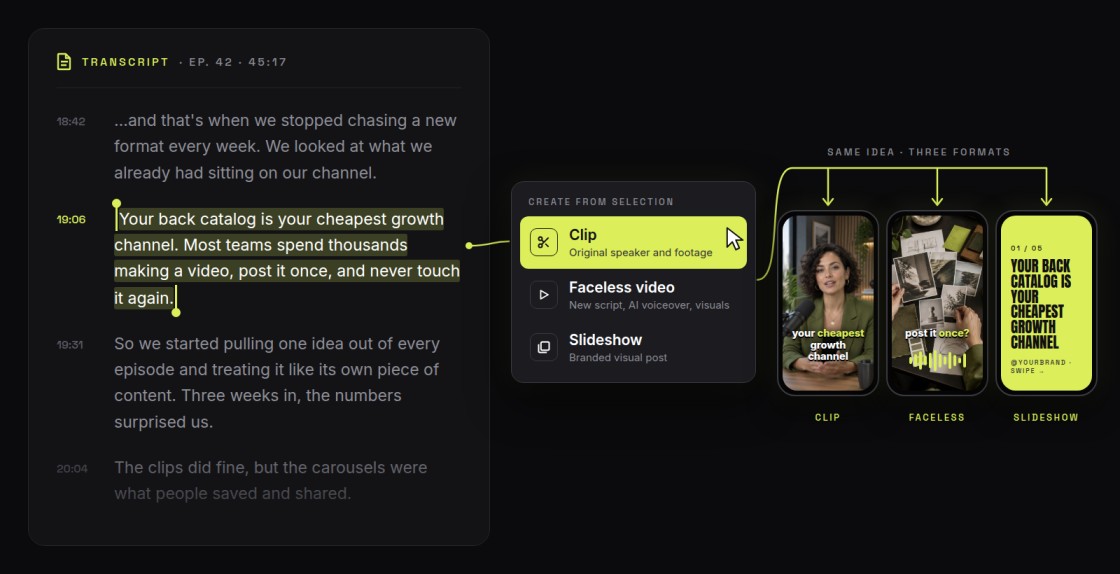
Then you decide what that idea becomes. Clip it. Remix it. Turn it into a slideshow.
Read through the transcript. Find something interesting. Select the section. Then create directly from it:
You don't have to start over every time you find a good idea.
FKNStudio finds the strongest source-video moments and turns them into vertical clips. It handles:
Then Polish Clip lets you fix the last few percent without opening CapCut.
AI does the editing. You keep the judgment.
Don't want to reuse the original footage? Remix the idea instead. FKNStudio turns source content into a new faceless video with:
And if the AI picks the wrong visual, you don't rebuild the whole video. Replace one scene. Change the voice. Rewrite the hook. Keep the rest.
That's the difference between generating content and actually being able to use it.
Some ideas work better as slides. FKNStudio turns source content or a fresh topic into branded slideshows with:
No Canva assembly line. No copying text between five tools. Just a finished post.

2,418 likes
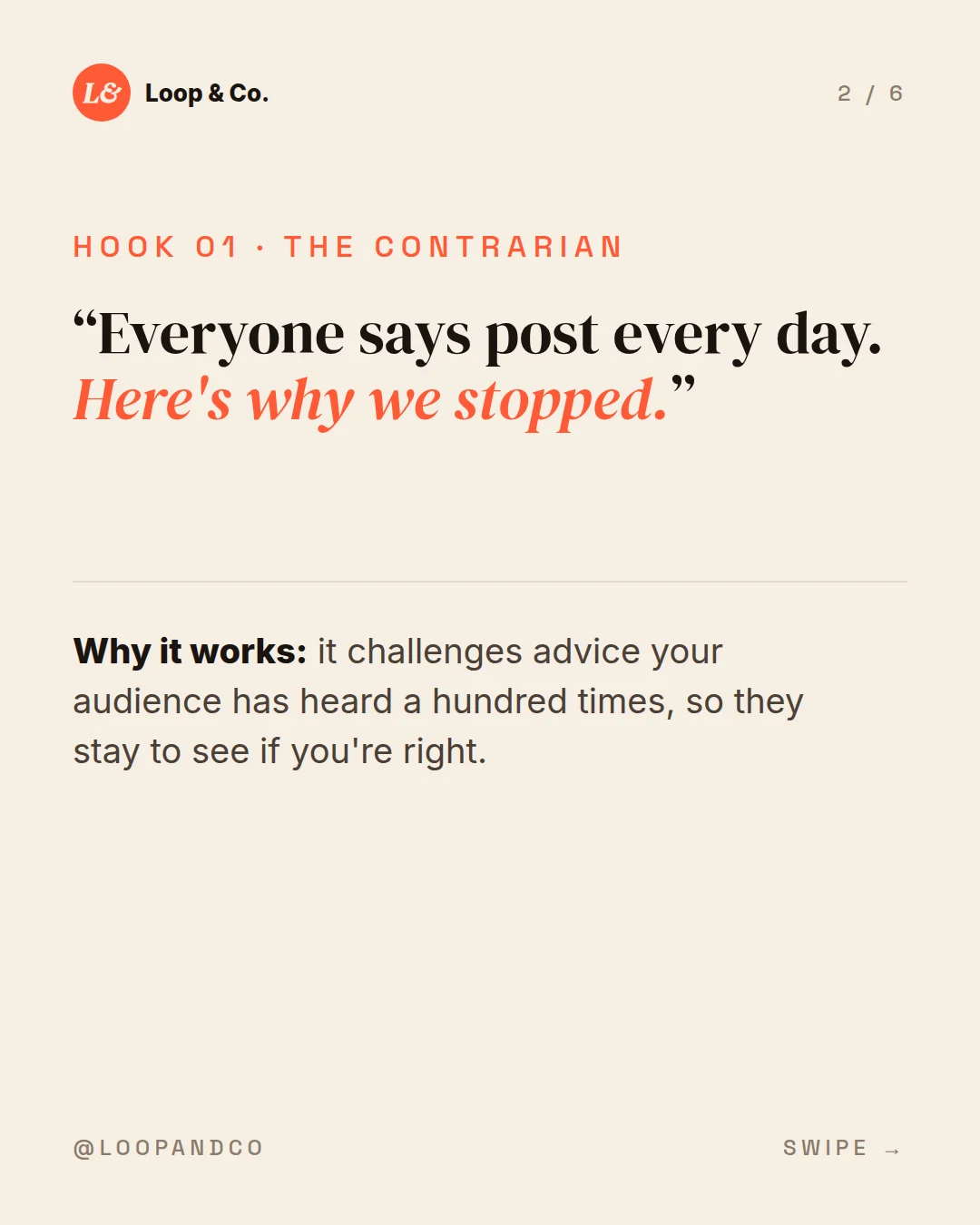
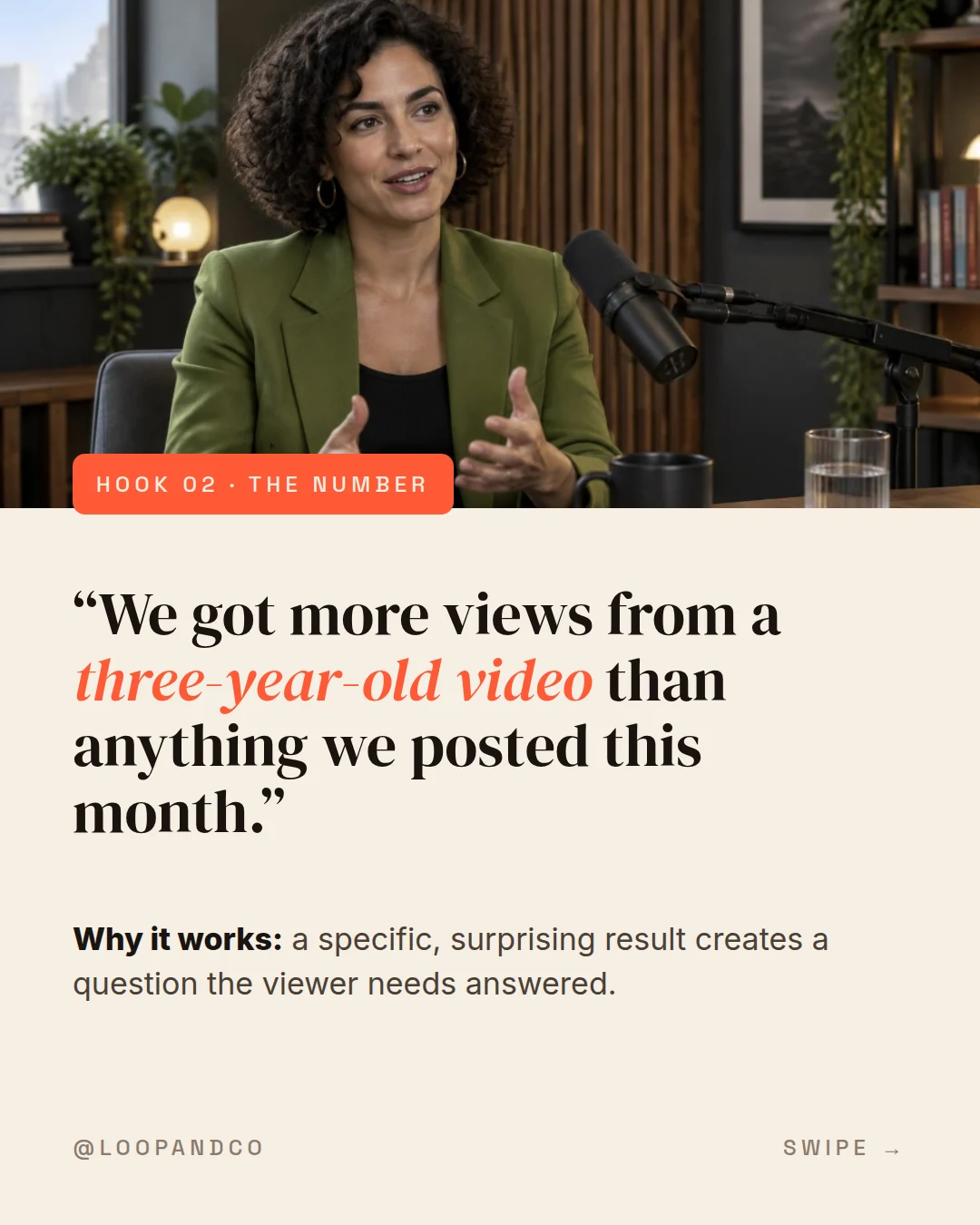
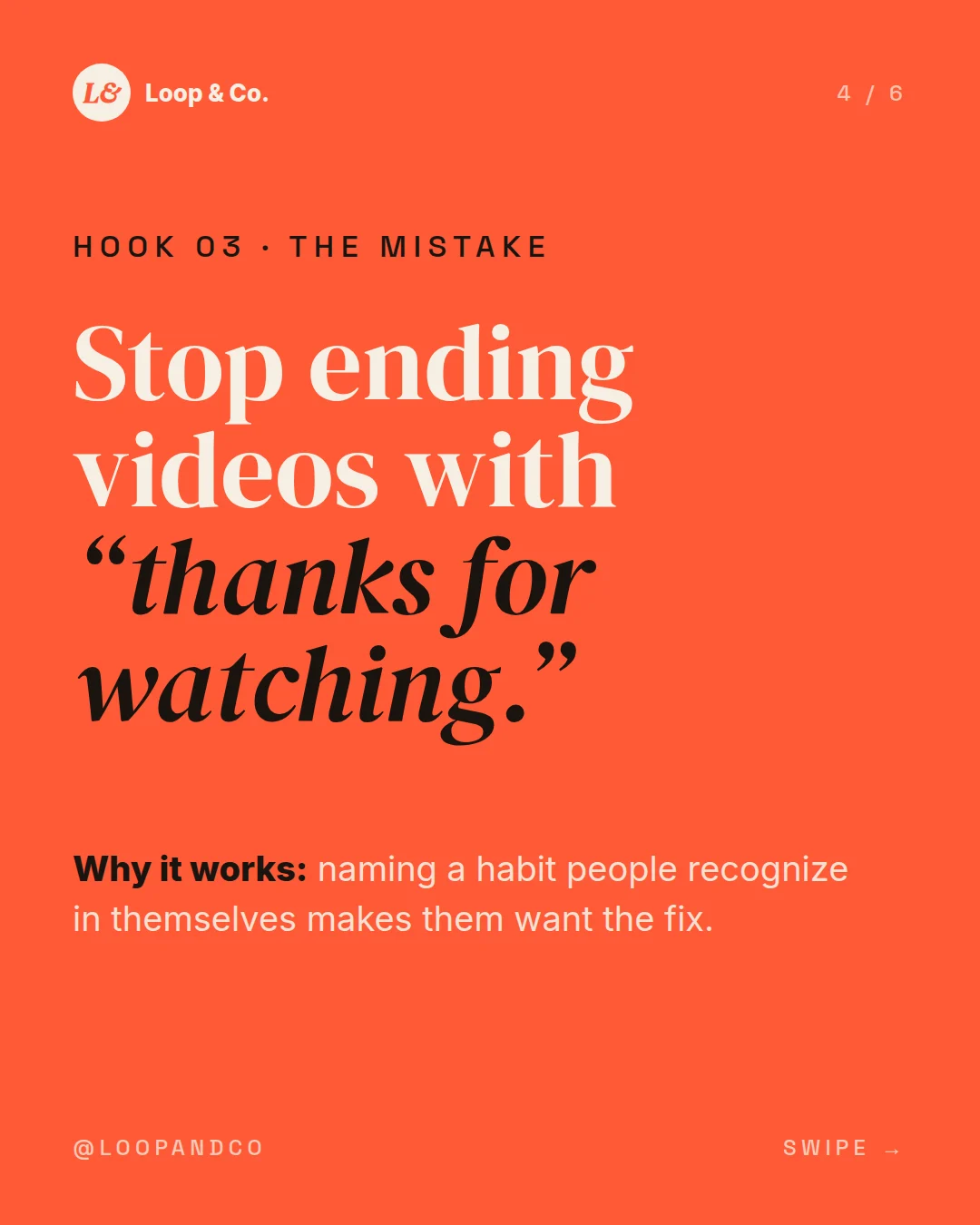
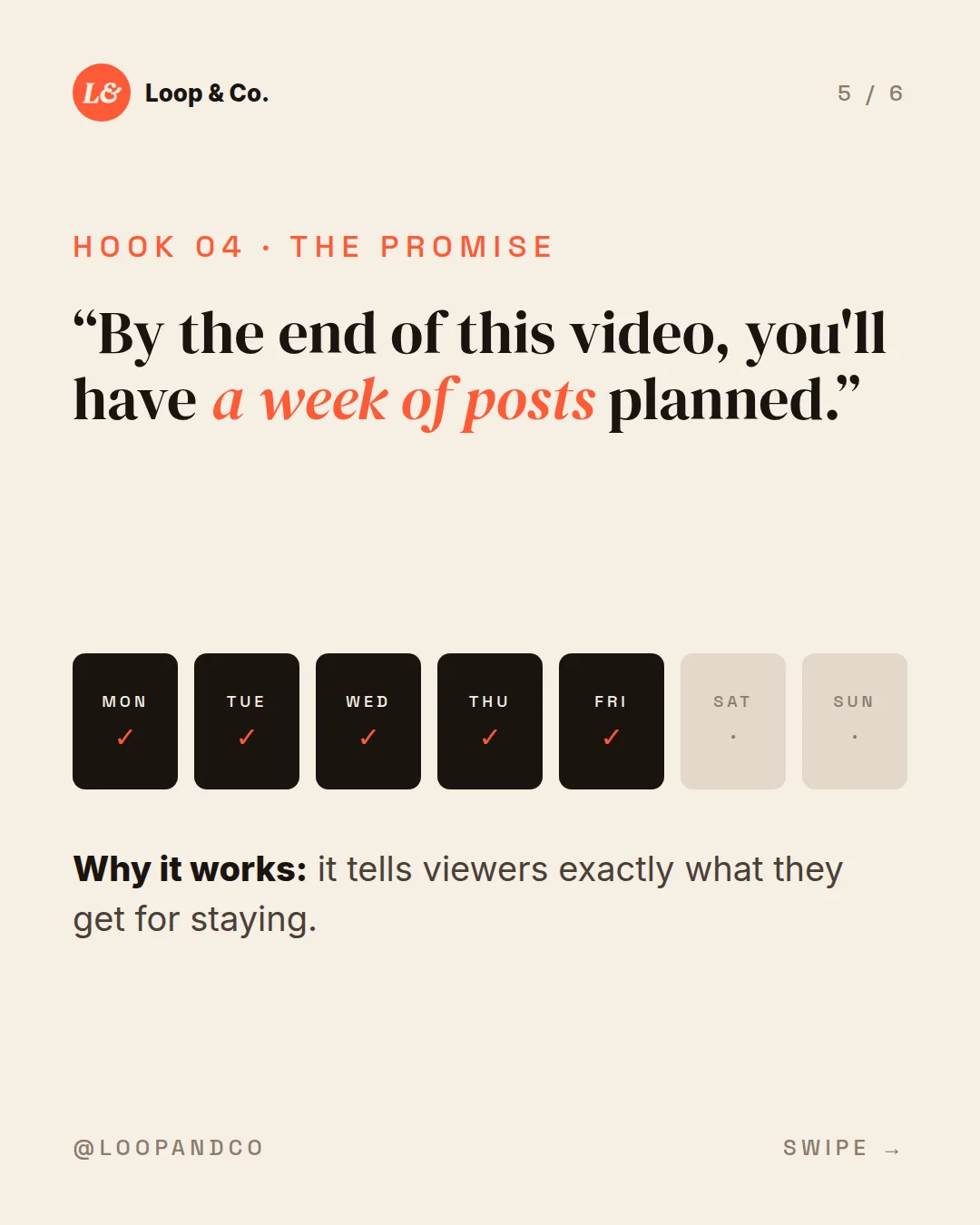
loopandco Steal these for your next video. Which hook are you trying first? 👇 #contentcreation #hooks #podcasting #contentstrategy
Save your brand once. FKNStudio can apply:
across your content.
Want more structure? Create reusable Brand Bookends:
Optional branded openings for series, shows or campaigns.
Reusable follow, website, watch-more or custom CTA endings.
Bookends stay separate from normal overlays so you don't end up with duplicate logos, handles or CTAs.
Connect your TikTok, Instagram and YouTube accounts once. Then publish straight away, or schedule for a date and time in your own timezone.
● Connected · @yourbrand
Videos post as-is. Slideshows post as native photo carousels with music.
@yourbrand · Your back catalog is your cheapest growth channel #contentstrategy
Tue 9:00 AM● Connected · @yourbrand
Reels for your videos, carousels for your slideshows. Caption and hashtags ready.
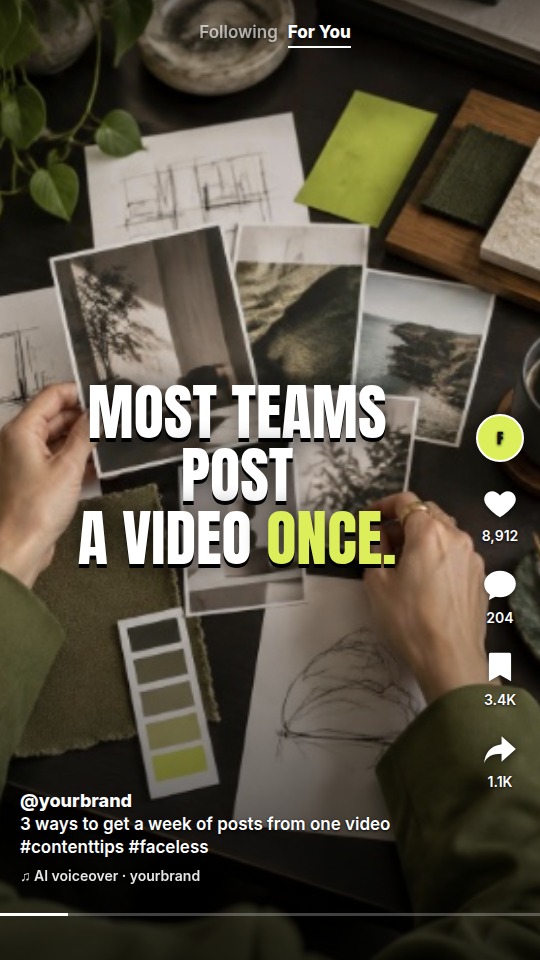
yourbrand · 4 hooks that stop the scroll #hooks #contentcreation
Wed 12:30 PM● Connected · @yourbrand
Shorts get their own editable title, separate from your social caption.
Title: One video, seven posts
Caption: Stop letting your best video die…
Your queue shows what's upcoming, what went live, and the link to every post.